Administrators - Getting Started Guide
Welcome to EduLibra. Follow the steps below to securely access your administrator dashboard and manage your publication resources.
STEP 1
How to login into EduLibra
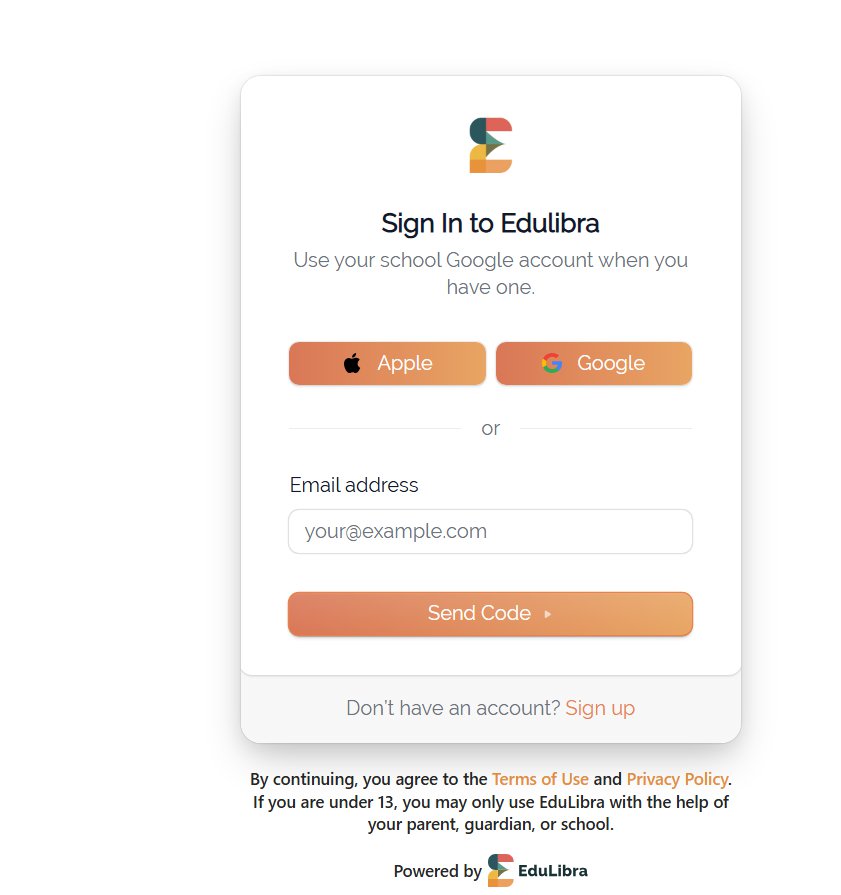
- Go to https://pub.edulibra.com/ in your web browser and click Sign In.
- If you already have an account, choose one of the 3 ways to log in. If you do not have an account yet, click Sign Up to create one.
Important: Whether you sign in with Google, Apple or an email code, make sure to use the email address connected to your school records. This ensures you get immediate access to all the publications your school has already assigned to you.
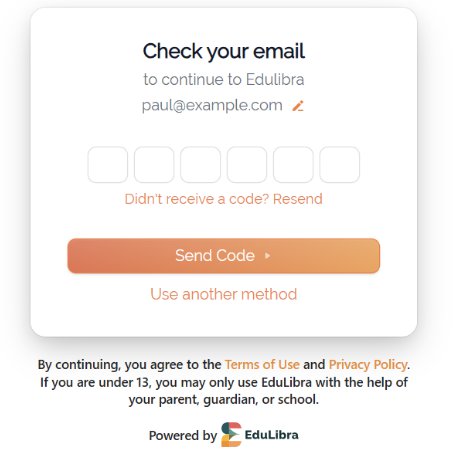
- If you choose to log in with a code, a unique 6-digit code will be sent to your registered email address. Enter the code on the screen to continue.
If you don’t receive the email from EduLibra within a few minutes, please check your spam or junk folder and mark it as "Not Spam" or "Safe" to ensure future messages reach your inbox
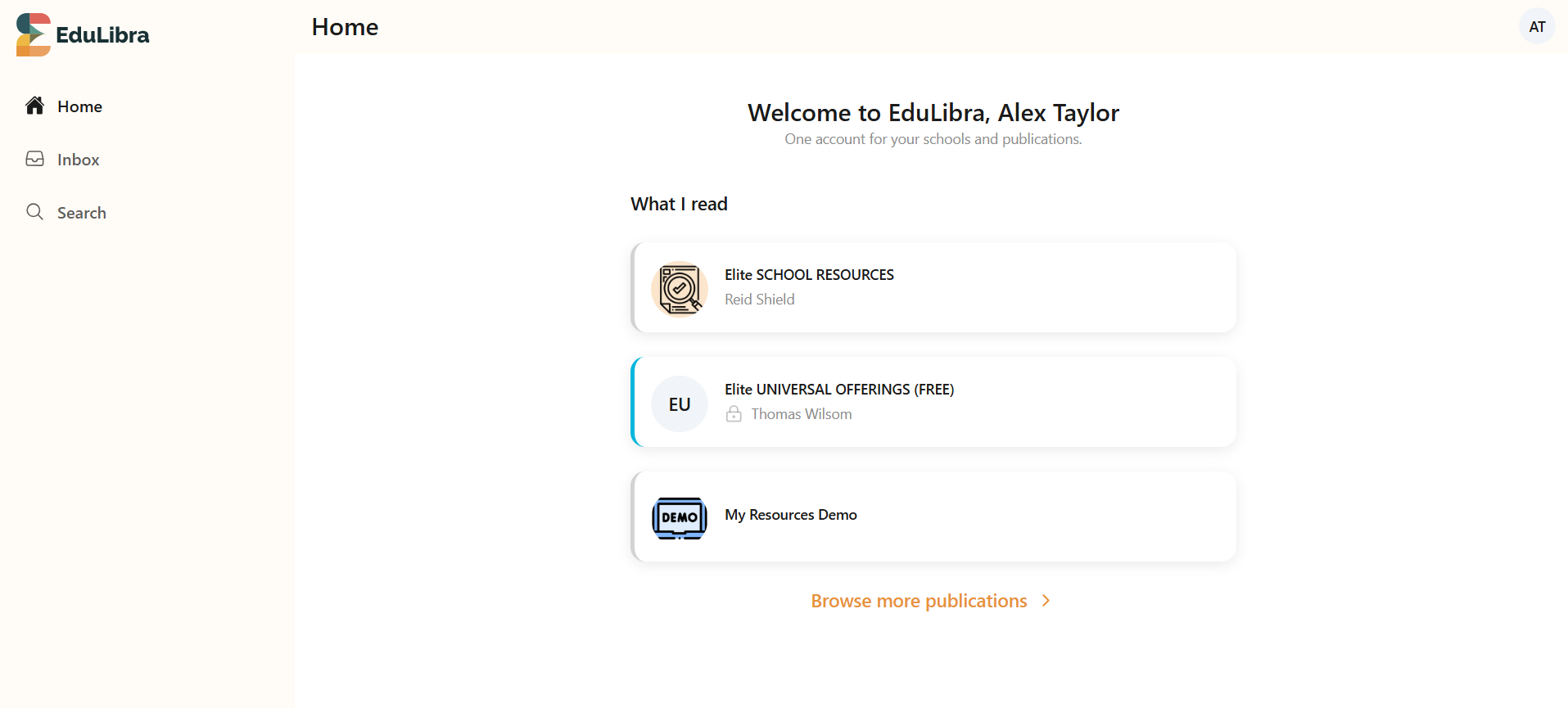
After logging in successfully, you will be taken to the homepage, which will display the publications you have membership access to.
STEP 2
Navigating To Your Specific Publication
STEP 3
Editing your Publication or a Resource Page
STEP 4
Improving Resource Searchability with Descriptions
Adding detailed descriptions and relevant keywords to your Resource Links helps parents quickly find exactly what they are looking for—even if they can't remember the exact title of the resource.
How to Add Descriptions to Resource Links
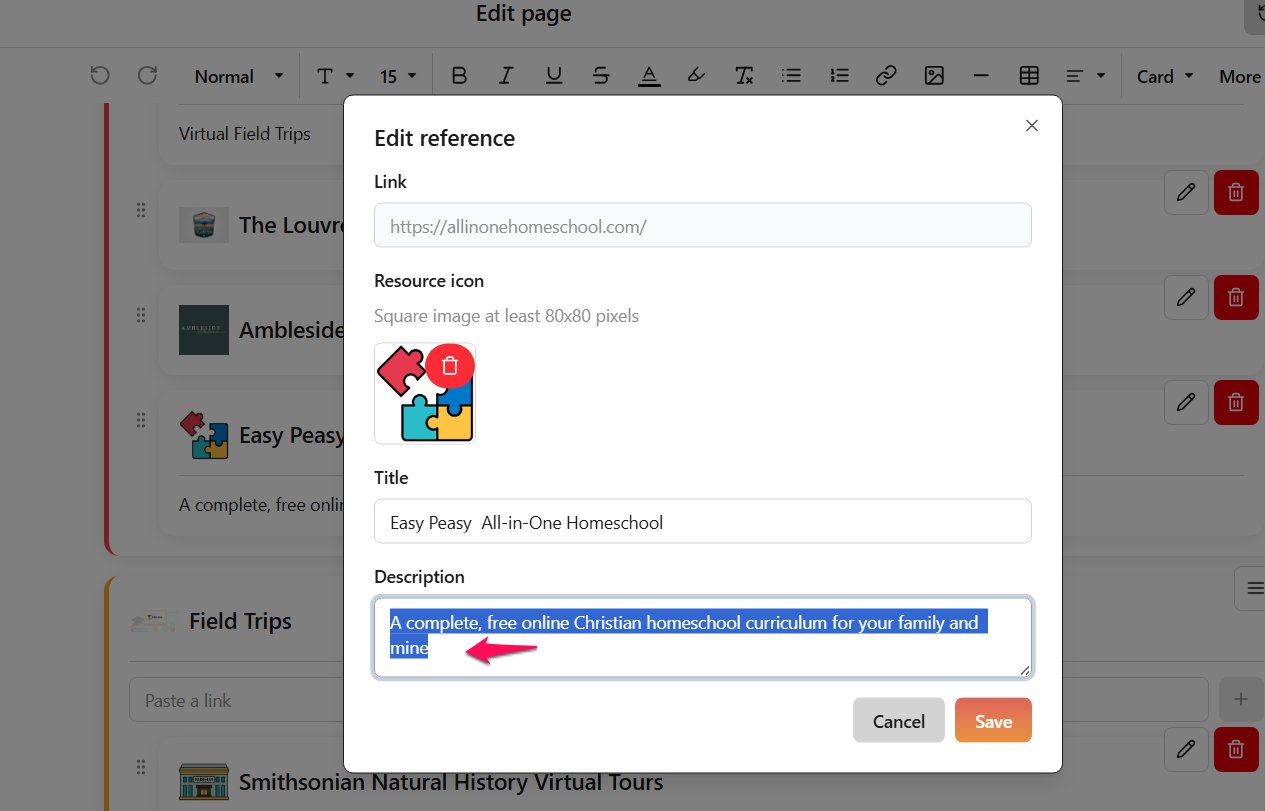
When setting up or updating your links in the admin editor, make sure to fill out the Description field with clear details and relevant keywords.
Navigate to your resource editor.
Enter the Link, Title, and an informative Description.
Click Save.
When you are setting up or updating your resource links make sure to add relevant description to the Resource links. This make the Resrouces easily searchable
How Parents See It in the Mobile App
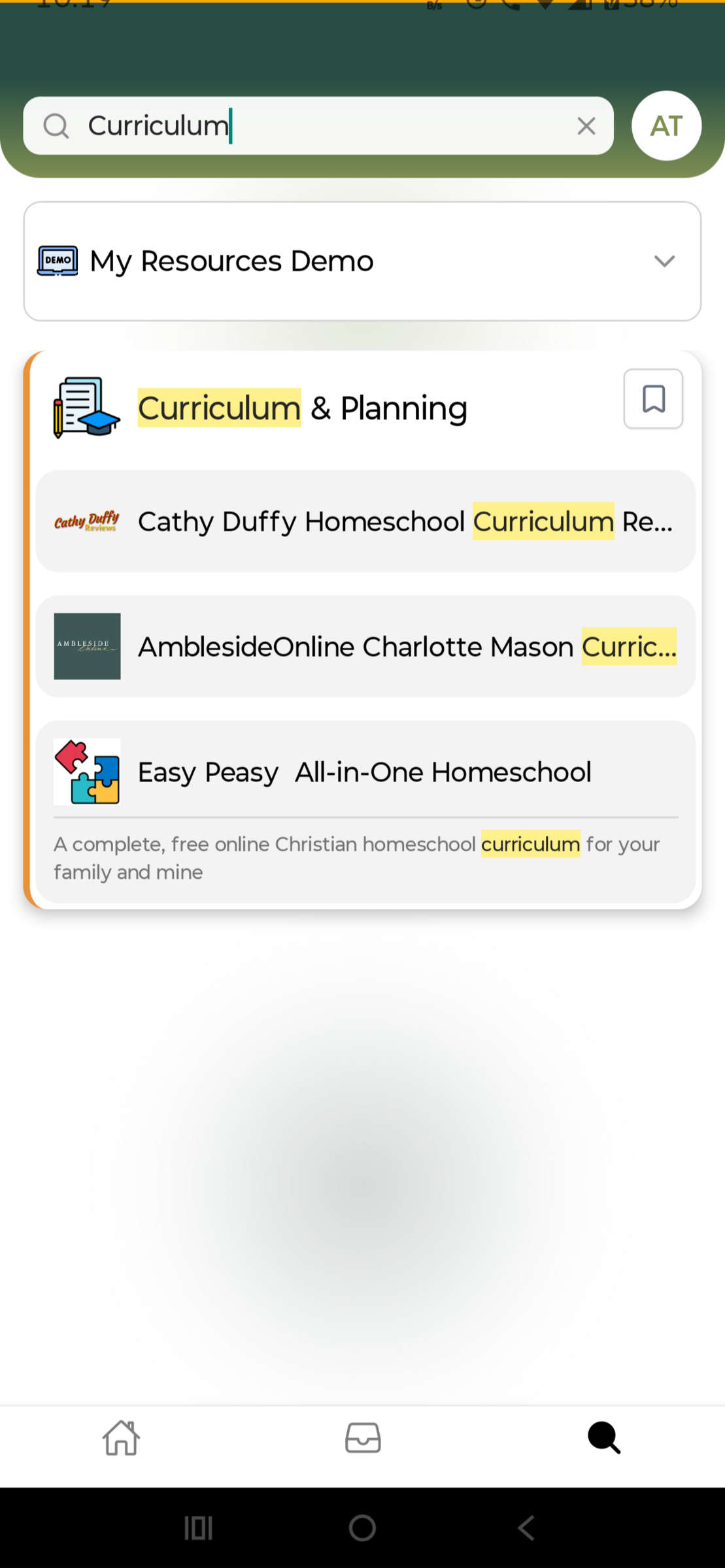
When parents search for a keyword (e.g., "Curriculum"), the mobile app searches both the titles and descriptions of all listed resources.